
7 Best AI Tools to Create and Sell Digital Products Online in 2026
When I first started exploring ways to make money online, I kept hearing the same advice over and over again: “Create digital products.”
Things like ebooks, templates, online courses, and printables.
The idea sounded great in theory — create something once and sell it over and over again. But there was one problem.
Creating digital products used to take a lot of time, skills, and expensive software.
You needed design skills to create the product, marketing skills to promote it, and technical knowledge to actually sell it online.
That’s when I discovered the power of AI tools.
Today, AI can help you generate digital products ideas, design digital products, write content, create visuals, and even help you launch and sell your products faster than ever before.
In other words, what used to take weeks can now be done in just a few hours.
Whether you want to create ebooks, templates, digital planners, printables, or online courses, the right AI tools can simplify the entire process.
In this article, I’ll walk you through the 7 best AI tools to create and sell digital products online and show you how these tools can help you turn your ideas into profitable digital products.
Let’s dive in.
What Are The Best AI Tools For Creating Digital Products?
The following are the best AI tools available for creating digital products you can sell online.
1. Jasper AI
Best For Creating Marketing Copy and Product Descriptions
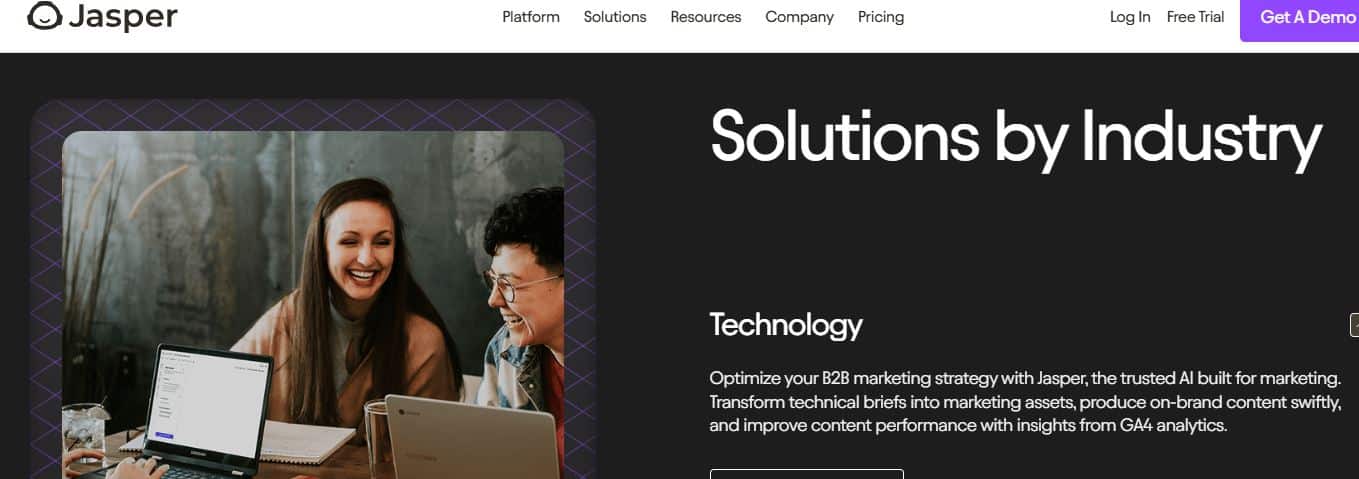
Jasper AI is a powerful writing assistant that helps you create all the written content you need to market and sell your digital products effectively.
With this tool, you can write product descriptions, sales pages, email sequences, blog posts, and ad copy in minutes instead of hours.
Jasper AI understands marketing frameworks and persuasive writing techniques, so it generates content that actually converts browsers into buyers.
From crafting compelling product titles for your Etsy shop to writing entire landing pages for your course, Jasper handles the copywriting heavy lifting.
If you struggle with writing sales copy that gets people to click “buy now,” Jasper can help you create persuasive content even if writing isn’t your strong suit.
Key Features:
- The template library has over 50 specific use cases, and I love how it includes templates for product descriptions, social media captions, and email marketing.
- Boss Mode lets me generate long-form content like ebooks or course modules with consistent quality throughout.
- Brand voice training teaches Jasper to write in my specific style, so all my product descriptions sound like they came from the same person.
- I love how easy their SEO mode helps me create product listings and blog posts that rank better in search engines and drive organic traffic.
- The Chrome extension lets me use Jasper anywhere I’m writing online, which is super convenient.
User Experience:
Writing becomes a collaborative process where you give Jasper direction, and it generates options you can refine and personalize.
The interface is clean and organized by content type, making it easy to find the right template for whatever you’re creating.
Pricing:
Jasper offers the following options:
- Creator: $59/month (billed annually)
- Business: Custom pricing
A 7-day free trial is available to test the platform.
What I Like/Dislike About Jasper AI:
Like:
Specifically designed for marketing and sales copy, not just general writing
The brand voice feature ensures consistency across all your product marketing
You can integrate the tool with Surfer SEO to help you optimize your content for search engines
Dislike:
More expensive than ChatGPT Plus, with less flexibility for non-marketing tasks
Requires annual billing for the best pricing
Product Updates:
- Jasper Chat now provides a ChatGPT-like interface for more conversational content creation.
2. Canva Pro
Best Overall For Beginners Creating Digital Products.

Canva Pro is hands down one of the easiest AI design tools you can use for creating digital products to sell online.
It offers tons of templates and features that let you create professional-looking graphics, planners, social media templates, ebooks, and so much more.
From designing printable wall art to creating entire workbook layouts, Canva gives you everything you need without overwhelming you with complicated tools.
You can even use their AI features to generate images, remove backgrounds, and resize designs for different platforms automatically.
Combined with their massive library of fonts, photos, and graphics, you can create just about any digital product your customers might want.
Key Features:
- The Magic Design tool uses AI to generate complete layouts based on just a description of what you want.
- Canva Pro has the background remover feature that works incredibly well for creating clean product mockups.
- You can create brand kits that save your colors, fonts, and logos so all your products look consistent.
User Experience:
The drag-and-drop interface makes designing feel like playing rather than working, even if you’ve never touched design software before.
Everything is organized into categories, so finding templates for specific product types (planners, social media templates, ebooks) takes seconds instead of minutes.
Pricing:
Canva offers the following plans:
- Free Plan: $0/month (limited features)
- Canva Pro: $15/month or $120/year per person
- Canva Teams: $10/user/month or $100/year per person with a 3-user minimum
You can also get a 30-day free trial of Canva Pro before committing.
What I Like/Dislike About Canva Pro
Like:
- You can create unlimited designs and download them for commercial use with the Pro plan
- The template library is massive with thousands of options for every type of digital product
- Pricing is extremely reasonable for what you get access to
Dislike:
- Some popular fonts and graphics require the Pro subscription to use commercially
- The free version adds a Canva watermark to some elements
Product Updates:
- New AI text-to-image generator lets you create custom graphics just by describing what you want.
3. Adobe Illustrator
Best For Creating Scalable Digital Art and Logos
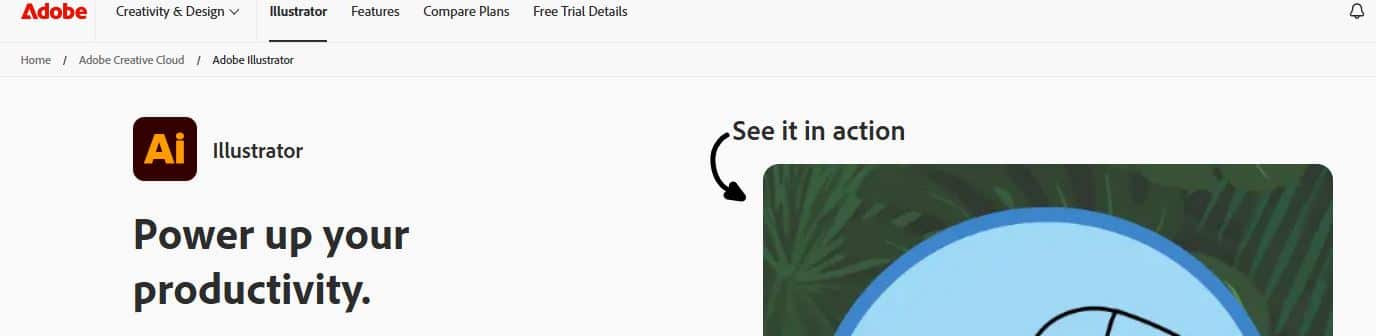
Adobe Illustrator is the industry-standard tool for creating vector graphics that you can sell as logos, illustrations, custom fonts, and professional design elements.
With this software, you can design digital products that scale to any size without losing quality – from tiny app icons to billboard-sized prints.
The vector-based approach means your designs stay crisp and clean whether customers use them on business cards or building wraps.
From creating logo templates to designing illustration packs for Creative Market, Illustrator gives you professional-grade tools that serious buyers expect.
If you want to sell premium digital art products or licensed designs to businesses, Illustrator creates the quality that commands higher prices than simple raster graphics.
Key Features:
- The pen tool creates precise vector shapes and paths, and I appreciate how much control it gives me over every curve and line in my designs.
- Artboards let me work on multiple design variations at once, which is perfect when I’m creating logo template packs with different versions.
- The pathfinder tool combines and manipulates shapes in ways that would be impossible with photo editing software.
- Colour management features ensure my designs look consistent whether customers print them or use them digitally.
- Export options let me save designs in every format customers might need – SVG, EPS, PDF, PNG – without recreating anything.
- Integration with Adobe Stock means I can upload and sell my vector designs directly through their marketplace.
User Experience:
Creating professional vector graphics requires learning the tools, but the precision and quality you achieve make the effort worthwhile.
The workspace is customizable, so once you learn where everything is, you can set up your ideal layout for faster work.
Pricing:
Adobe Illustrator pricing includes:
- Illustrator Only: $22.99/month
- Creative Cloud All Apps: $59.99/month (includes Photoshop, InDesign, and 20+ other apps)
A 7-day free trial lets you test before committing.
What I Like/Dislike About Adobe Illustrator:
Like:
- Creates infinitely scalable designs that work for any product size or use
- Industry-standard software that gives your products professional credibility
- Incredibly versatile for logos, icons, illustrations, fonts, patterns, and more
- Integrates perfectly with Photoshop and other Adobe tools if you use multiple programs
Dislike:
- Steeper learning curve than beginner-friendly tools like Canva
- Monthly subscription costs add up, especially if you only need it occasionally
- Requires a decent computer with good processing power to run smoothly
Product Updates:
New AI-powered generative recolor feature lets you explore endless color palette variations for your designs instantly.
4. Midjourney
Best For Creating Unique AI-Generated Art
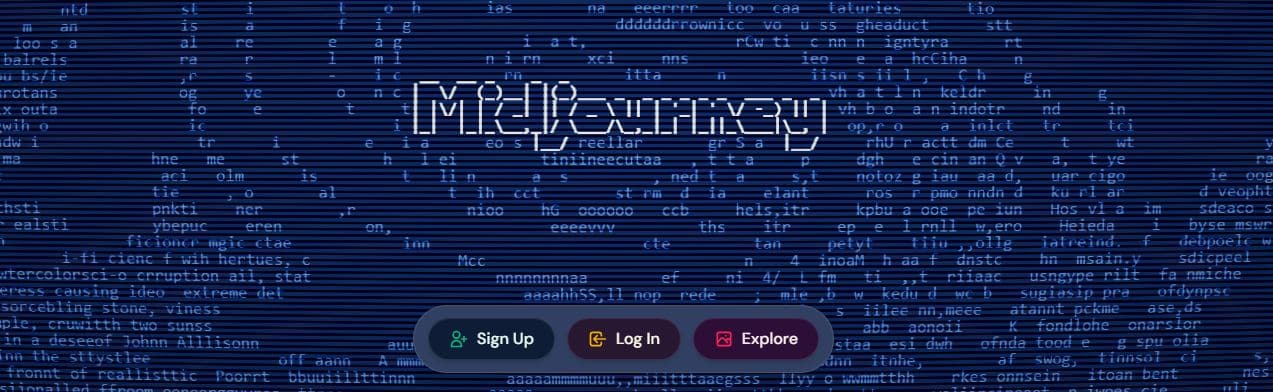
Midjourney allows you to use AI to create completely original artwork that you can sell as digital prints, phone wallpapers, or design elements.
It also lets you generate stunning images based on text descriptions you give it, opening up possibilities for products you couldn’t create any other way.
You can create fantasy landscapes, abstract art, character illustrations, and pretty much anything you can describe in words.
The quality has gotten so good that some AI-generated art sells for hundreds of dollars as prints or NFTs.
With the commercial license, you can sell any images you create, making it perfect for building a digital art shop.
Key Features:
- Midjourney has incredibly detailed output, and I love how it creates images that look like they took hours to paint or illustrate.
- The variation feature is super helpful because it generates multiple versions of the same concept, so I can pick the best one.
- Upscaling tools let me increase image resolution for print-quality products without losing detail.
- I also like that the community gallery shows what others are creating, which gives me endless inspiration for new product ideas.
User Experience:
Midjourney works through Discord, which feels a bit unusual at first but becomes natural once you understand the commands.
Generating images has never been easier with the tools that Midjourney provides. You just need to type a description and wait 30-60 seconds for the AI to create options.
Pricing:
Midjourney’s pricing is as follows:
- Basic Plan: $10/month (200 generations)
- Standard Plan: $30/month (unlimited generations)
- Pro Plan: $60/month (unlimited + more features)
What I Like/Dislike About Midjourney:
Like:
- The artistic quality is genuinely impressive and creates products people actually want to buy
- Commercial rights are included with all paid plans
- Learning curve is relatively short compared to traditional design software
Dislike:
- Requires Discord, which some people find confusing
- No free tier available anymore as of 2026
Product Updates:
- Version 6 update dramatically improved photorealism and understanding of complex prompts.
5. Simplified
Best For Creating Social Media Templates
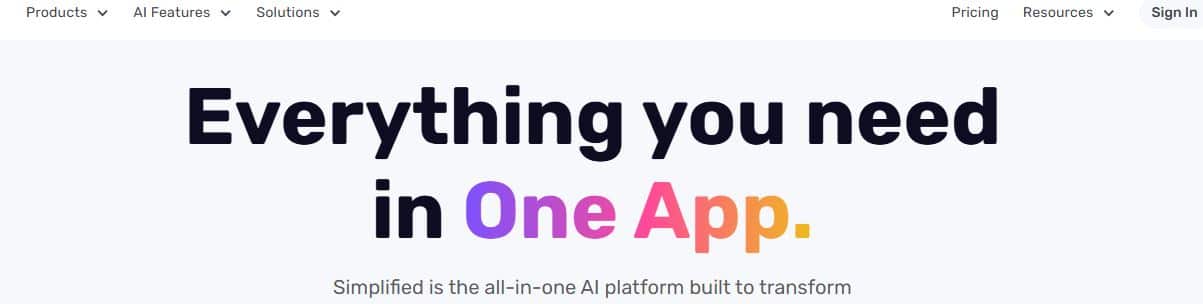
Simplified is an all-in-one platform that helps you create social media templates, graphics, and videos to sell as digital products.
With this software, you can design Instagram templates, TikTok video templates, Pinterest graphics, and more that other creators will purchase.
It’s perfect for those who want to build a business selling social media content to busy entrepreneurs and influencers.
From creating Canva-style templates to designing animated posts, Simplified gives you the tools to build products people need for their own content marketing.
The AI writing assistant also helps you create caption templates and content planners to bundle with your graphics.
Key Features:
- Their template library is extensive, and I appreciate how it covers every social media platform with trending formats.
- The AI writer can generate social media captions and content ideas that I can package with visual templates.
- Video creation tools let me design animated templates for Reels and TikToks, which sell really well.
- Brand kit features help me maintain consistent styling across all the templates I create to sell.
- Resize Magic automatically adapts one design to every social media size, saving hours of manual work.
User Experience:
simplified workspace Creating social media template packs is straightforward with their organized workspace and pre-made starting points.
Their interface feels similar to Canva but with more focus on social media-specific needs.
Pricing:
Simplified comes with the following plans:
- Free Forever: $0 (limited features)
- Pro: $12/month
- Business: $20/month
What I Like/Dislike About Simplified:
Like:
- All-in-one platform means you don’t need multiple tools for different product types
- AI features speed up both the design and writing parts of template creation
- Very affordable compared to paying for separate design and writing tools
Dislike:
- Their free version is quite limited for commercial use
- Not as well-known as Canva, so fewer tutorials available
Product Updates:
- Bulk create feature now lets you generate multiple template variations at once for faster product creation.
6. ChatGPT Plus
Best For Creating Written Digital Products
ChatGPT Plus is one of the most powerful AI tools you can use for creating written digital products.
It helps you generate ebooks, online course materials, templates, checklists, and guides much faster than writing everything from scratch.
If you sell digital downloads, workbooks, course materials, or any text-based digital products, ChatGPT can help you draft content, outline structures, and even format information.
The Plus version gives you access to GPT-4, which produces much better quality writing than the free version.
Key Features:
- The long-form writing ability helps me create entire ebook chapters or course modules without starting from scratch.
- GPT-4 understands context really well, so I can have back-and-forth conversations to refine the content exactly how I want it.
- You can set your preferred writing style once, and the tool will try to follow that style in future responses.
User Experience:
You simply type what you need, and ChatGPT generates content in seconds that you can then edit and personalize.
The conversational format makes it feel like brainstorming with a knowledgeable partner rather than using software.
Pricing:
ChatGPT offers these plans:
- Free Version: $0 (limited access, slower responses)
- ChatGPT Plus: $20/month (access to more advanced models and faster responses)
You can start with the free plan and upgrade later if you need more power for creating digital products.
What I Like/Dislike About ChatGPT Plus:
Like:
- It dramatically reduces the time needed to create written content.
- It can help with research, outlines, brainstorming, and full content drafts in one place.
- The $20/month price is very affordable considering how much time it saves.
Dislike:
- Still requires significant editing to make content sound natural and personalized
- You need to fact-check everything it generates since it sometimes makes mistakes
Product Updates:
- New Custom GPTs allow users to create specialized assistants designed for specific tasks, such as writing ebooks, creating course content, or generating marketing copy.
7. Teachable + AI Course Builder
Best For Creating Online Courses

Teachable’s new AI course builder helps you create and sell online courses without spending months developing curriculum.
It uses artificial intelligence to help outline course structure, generate lesson content, and even suggest quiz questions.
You can create courses on any topic you have knowledge about and sell them through Teachable’s platform.
From designing the course layout to hosting videos and tracking student progress, everything happens in one place.
If you’ve ever wanted to create a digital course but felt overwhelmed by the process, the AI builder removes most of the heavy lifting.
Key Features:
- Their AI course outliner creates complete course structures based on your topic and learning objectives.
- I also like how the content suggestions help fill in lesson materials when you’re not sure what to cover next.
- Built-in quiz generator creates assessment questions automatically from your course content.
- The platform handles payment processing, student management, and content delivery all in one place.
User Experience:
Building your first course feels manageable instead of overwhelming because the AI guides you through each step.
Students get a professional learning experience with video hosting, downloadable resources, and progress tracking.
Pricing:
Teachable offers these plans:
- Starter: $29/month + 7.5% transaction fee
- Builder: $69/month + 0% transaction fee
- Growth: $139/month + 0% transaction fee
All plans include the AI course builder features.
What I Like/Dislike About Teachable:
Like:
- Complete platform for creating, hosting, and selling courses in one place
- AI features significantly speed up course development
- You don’t need any technical knowledge to get started
Dislike:
- Monthly fees are higher than some competitors
- Transaction fees on lower plans eat into profits
Product Updates:
- Their new AI video script generator helps you create engaging video lessons faster.
Which AI Tool Should You Choose?
After using all these tools in my own online business, here’s my honest advice based on the type of digital products you want to create.
If you’re just starting out:
I recommend starting with Canva Pro. It’s the most versatile tool I’ve used. I can create planners, ebooks, social media graphics, templates, and more without feeling overwhelmed. The templates make everything much easier when you’re a beginner.
If you want to design professional graphics or vector products:
I recommend Adobe Illustrator. I use it when I need more control over designs like logos, icons, or printable graphics. It’s a bit more advanced, but once you learn it, you can create very professional digital products.
If you want to sell art prints:
I use Midjourney when I need unique artwork. It creates designs that really stand out in crowded marketplaces. The best part is that the commercial license lets you legally sell the images you generate.
If you want to create online courses:
Teachable with its AI course builder makes the entire process easier. I like that it helps you create the course and also handles the selling side. If courses are your main product, the monthly fee is worth it.
If you plan to sell social media templates:
Simplified is a great choice. I’ve found it especially useful for creating content designed for social platforms. It gives you the tools you need to design templates quickly without spending hours editing.
If you want to create ebooks or written guides:
ChatGPT Plus is one of the tools I use the most. It helps me write outlines, draft content, and speed up the entire writing process. For $20 a month, it saves me a huge amount of time.
If you need help writing product descriptions and sales pages:
Jasper AI is a great option. I’ve used tools like this to write product descriptions, emails, and landing page copy much faster. It’s especially useful if marketing writing isn’t your strength.
Wrap Up.
AI tools for creating and selling digital products are becoming more popular every year because they make the whole process faster and easier than before.
Instead of spending weeks designing, writing, or editing, you can now create high-quality digital products in a fraction of the time with the right AI tools.
However, choosing the right tool is important. Each platform offers different features, and the best one for you will depend on the type of digital product you want to create.
Take some time to explore the tools, test their features, and see which one fits your workflow and business goals the best.
If you’re still looking for ideas on what to create, you can also check out my guide on 17 Best Digital Product Ideas where I share profitable products you can start selling online.
What do you think about using AI tools to create digital products?
Have you tried any of these tools in your online business?
Let me know in the comments below!
10 Most Popular Pinterest Categories for 2026

AI Writing Prompts That Work: Real Examples From a 6-Figure Blogger

7 Best OKR Software in 2026 (Ranked & Reviewed)
About Author

Alma Coul
Alma is the founder and CEO of Eagles Digital. He is an SEO expert and has over seven years of experience in Web programming and building visibility for businesses through content marketing.